
Master the Photoshop Pen Tool: From Beginner to Pro
The Pen Tool is one of Photoshop’s most powerful tools for creating
clean selections, precise paths and professional vector-style graphics.
DESIGN FUNDAMENTALS
Why Learn the Photoshop Pen Tool?
The Pen Tool gives designers precise control over selections,
shapes and paths. Unlike automatic selection tools, it lets you manually define
exact edges and smooth curves using anchor points and Bézier handles.
At GraphixFlo, precise paths are useful for logo design,
image editing, clipping paths, website graphics, print design and creating
professional marketing materials.
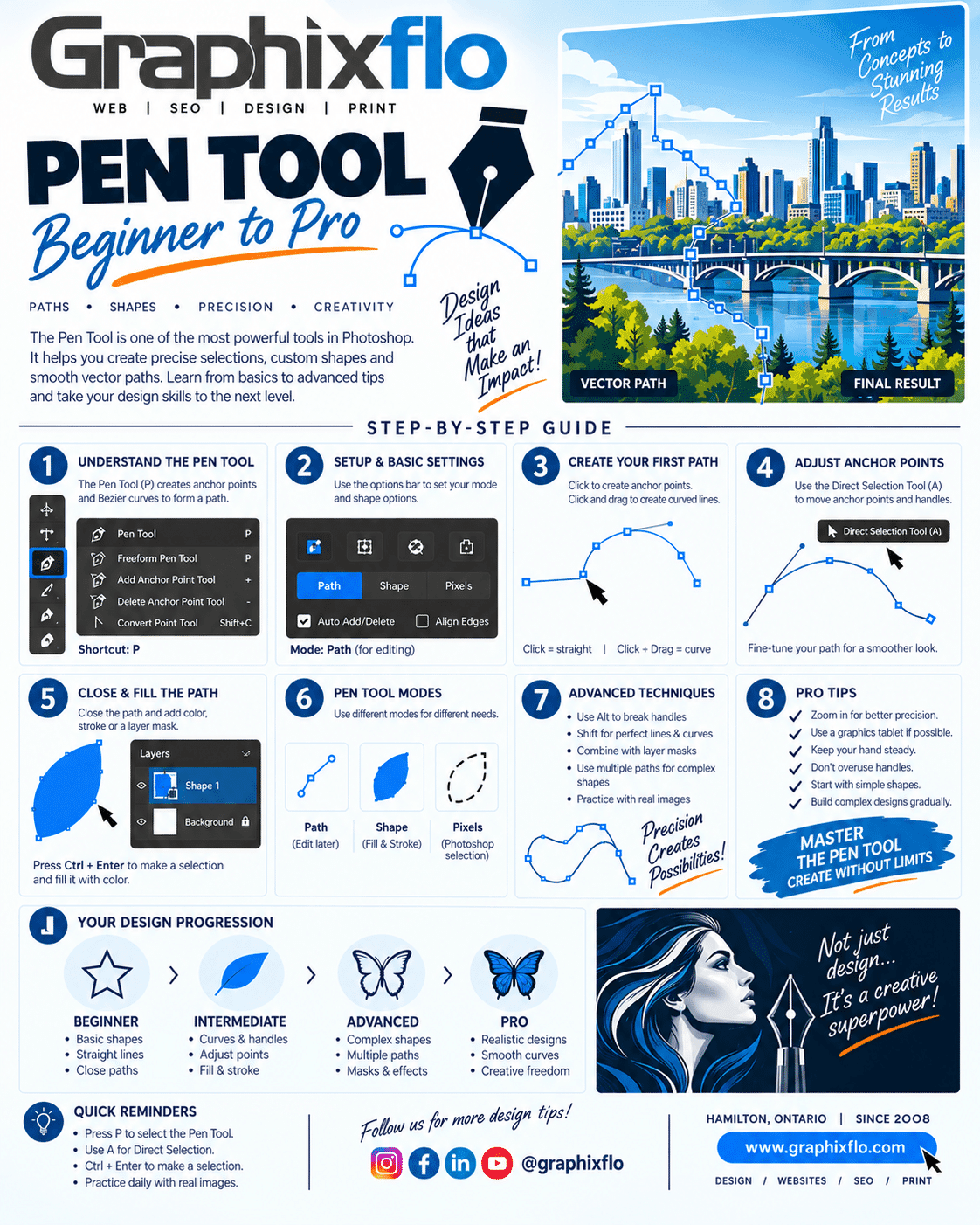
Quick ShortcutPress P in Photoshop to activate the Pen Tool.
STEP-BY-STEP
Pen Tool Basics
Start with the fundamentals and build your skills one step at a time.
01
Create Anchor Points
Click once to create straight-line anchor points and build a basic path.
02
Create Smooth Curves
Click and drag while placing an anchor point to create curved paths.
03
Adjust Your Path
Use the Direct Selection Tool to reposition points and refine handles.
04
Close the Path
Reconnect to the first anchor point to create a completed closed path.
PRO TIPS
Cleaner Paths Create Better Designs
One of the biggest mistakes beginners make is using too many anchor
points. Fewer carefully positioned points usually create smoother,
cleaner and easier-to-edit curves.
- Zoom in for better precision
- Use fewer anchor points whenever possible
- Keep Bézier handles smooth and controlled
- Practice with simple shapes first
- Work up to detailed photos and complex graphics
Small clicks.
Precise paths.
Better designs.
Master the fundamentals and the Pen Tool becomes one of your most versatile creative tools.
REAL-WORLD DESIGN
How GraphixFlo Uses Precise Vector Paths
Logo & Brand Design
Create clean shapes, custom artwork and scalable brand graphics with precise edges.
Image Editing
Produce accurate clipping paths, background removal and detailed selections.
Web & Print Graphics
Create polished graphics for websites, advertising, brochures, signage and marketing materials.
GRAPHIXFLO
Need Professional Graphic Design?
From logos and branding to websites, advertising and print,
GraphixFlo helps businesses turn ideas into professional creative solutions.